What Is a SIM Swap Attack — How Your Qmobile Device Protects You?
What Is a SIM Swap Attack — How Your Qmobile Device Protects You?
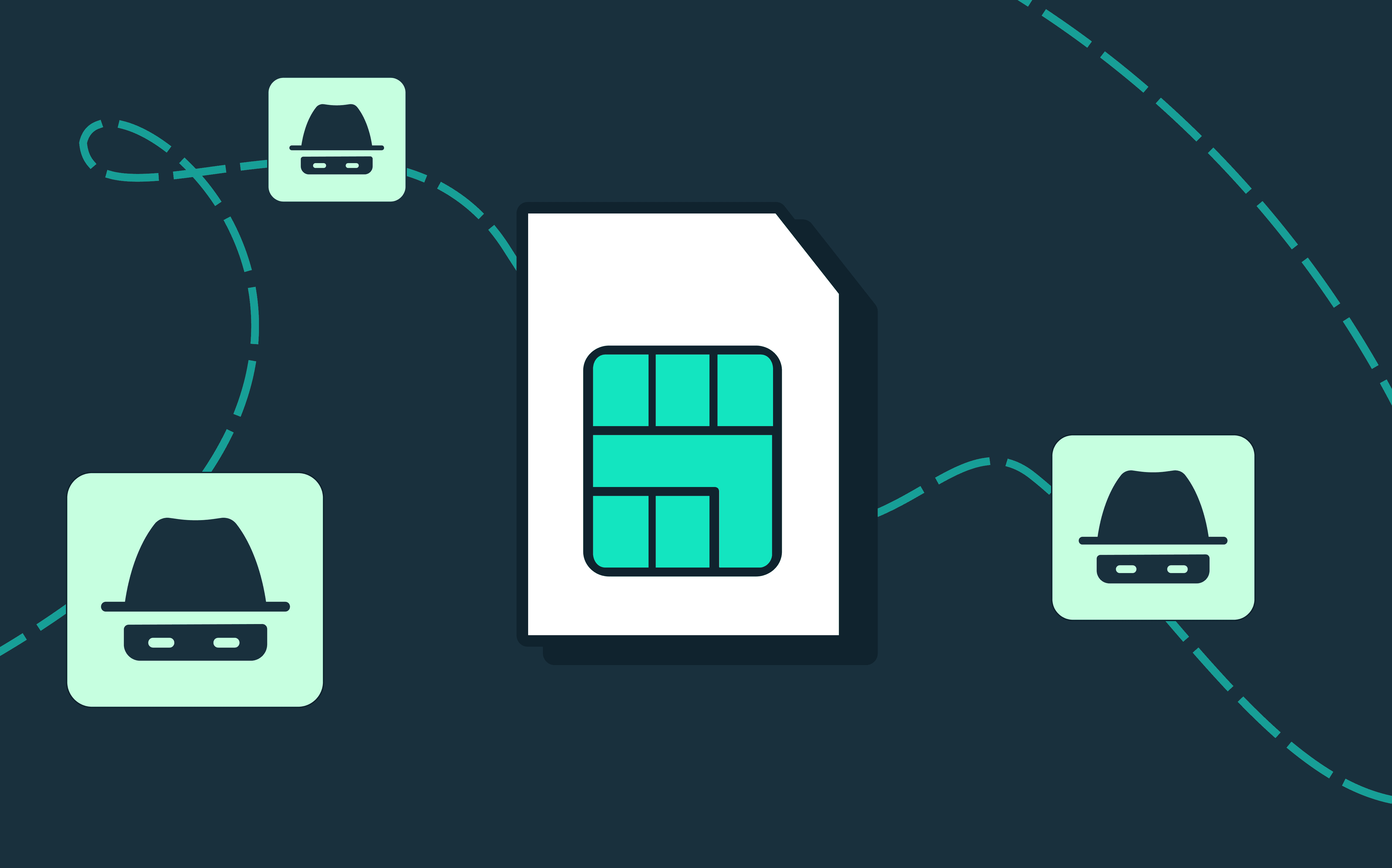
A SIM swap attack is when an attacker tricks the mobile carrier into moving your phone number onto their own SIM card. This attack is not carried out against your phone; it targets the carrier's system directly. Once the number is taken over, SMS-based verification codes go to the attacker.
Qmobile detects this attack early, locks the phone, and protects your data in BFU mode. So even if the attacker takes over the SIM card, they cannot perform any action on the device side.
How Does a SIM Swap Attack Happen?
The attacker calls the carrier and identifies themselves as the account holder. The carrier mistakenly cancels your SIM card and issues a new SIM to the attacker.
In this case the attacker can:
- Receive bank SMS codes
- Receive WhatsApp / Telegram verification codes
- Receive email recovery codes
- Use your number on their own device
This is why SIM swap is one of the most dangerous social engineering attacks.
How Does Qmobile Detect a SIM Swap Attack?
The Qmobile device detects a SIM change instantly:
- The network identity changes
- The SIM profile changes
- Security policies are triggered
At this moment the device enters security mode, effectively saying 'This SIM is not mine'.
How Does Qmobile Prevent a SIM Swap Attack?
When a SIM change is detected, the device automatically enters self-protection mode:
The phone switches to BFU mode:
- All profiles are closed
- Banking apps are closed
- WhatsApp / Telegram are closed
- File access stops
- SMS become invisible
Re-authentication becomes mandatory.
Even if the attacker takes over the SIM:
- The phone does not open
- Apps do not open
- SMS are not visible
- Banking apps do not work
The device renders the SIM card in the attacker's hand completely ineffective.
The bank SMS code goes to the attacker — isn't that dangerous?
Even if the SMS code goes to the attacker, it is completely useless on the phone side.
Why?
- BFU active → the device is fully locked without a password
- SMS are not visible
- The banking profile is closed
- Files are locked
- The Titan M2 device identity cannot be verified with the bank
The SMS code in the attacker's hand is not usable.
Why Are Banking Apps Safe?
Banks now use SMS plus device verification.
The Qmobile device:
- Verifies the Titan M2 hardware identity with the bank
- Automatically closes the banking profile when the SIM changes
Even if the attacker takes the SIM:
- The device identity does not match
- The transaction is rejected
- The banking app does not open
Why Are WhatsApp / Telegram / 2FA Safe?
When the SIM changes, Qmobile:
- Locks WhatsApp
- Locks Telegram
- Locks 2FA apps
- Makes codes invisible
The apps see this situation as 'suspicious activity' and request re-verification. Even if the attacker takes the SIM, they cannot open the apps.
What Can the Attacker Do With the SIM Card?
The SIM card only represents the phone number. What the attacker can do once they take over the SIM is limited:
Can do:
- Use your number
- Receive SMS
- Try the SMS code at the bank's web login
- Perform carrier operations
Cannot do:
- Open the phone
- Take over the WhatsApp / Telegram account
- Enter the banking app
- Use 2FA codes
- Access files
- Recover the Google / Apple account
The SIM card alone cannot take over any account.
Qmobile's SIM Swap Protection
- Automatically detects SIM changes
- Fully locks the phone
- Closes all data via BFU
- Closes banking / legal / consulting profiles
- Makes SMS invisible
- Locks apps
- The device identity cannot be verified with the bank
The attacker cannot perform any action.
Recommendations for Users
1) Use app-based verification instead of SMS — Google Authenticator, Microsoft Authenticator, Authy, Aegis.
2) Keep device verification enabled at banks — the 'Is this transaction coming from your phone?' check is critically important.
3) Use a security key for email accounts — YubiKey, Titan Key.
4) Enable two-step verification in WhatsApp / Telegram — even if the attacker takes the SIM, they cannot open the account.
5) Enable a SIM-change lock with your carrier — without an additional password, no SIM change can be performed.
Conclusion
Even if a SIM swap attack succeeds, the Qmobile device makes the SIM card in the attacker's hand completely useless. The phone locks itself, apps close, SMS become invisible, and data is protected in BFU mode.
The attacker:
- Cannot access the bank account
- Cannot open WhatsApp / Telegram
- Cannot use 2FA codes
- Cannot access files
- Cannot open the phone
Control stays with you. Qmobile renders the SIM swap attack completely ineffective on the device side.